


📱 Install IPTV on Android & iOS Devices
Step 1: Download and Install
Android: Download APK and install IPTV Smarters Pro.
iOS: Download from App Store and install IPTV Smarters Pro.
Step 2: Launch and Login
Open the app and enter your subscription credentials (Username, Password, Portal URL), then click Login.
🔧 Setup via Xtream Codes API
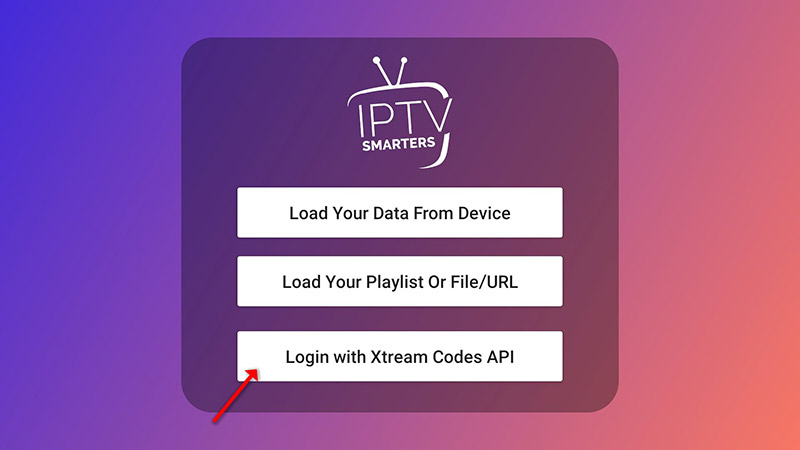
Step 1: Tap Add User → Login with Xtream Codes API.
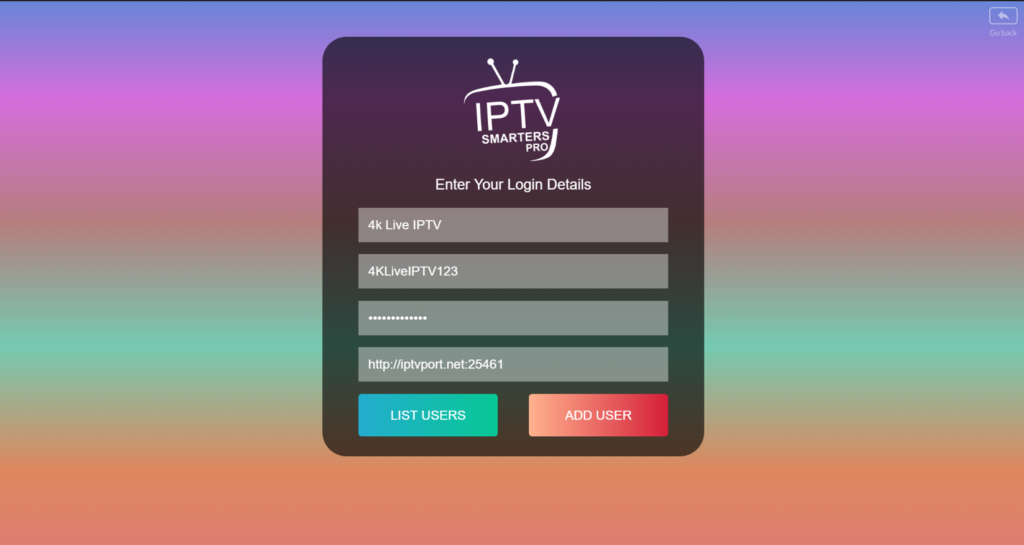
Step 2: Enter profile name (e.g., "4K Live IPTV"), Username, Password, and Server URL, then tap ADD USER.
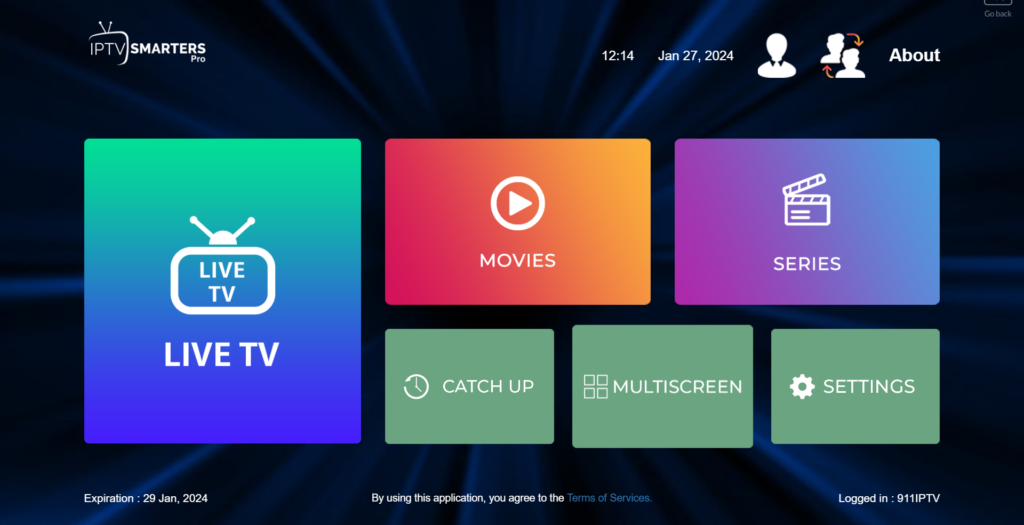
Step 3: Tap the Live TV icon and start streaming.
📂 Setup via Playlist (M3U URL)
Step 1: Tap Add User → Login with Playlist.
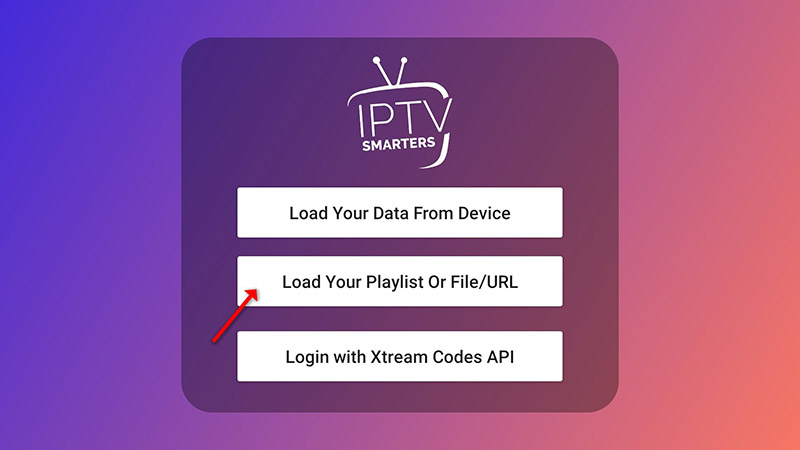
Step 2: Enter profile name, select M3U URL, paste the provided URL, and tap ADD USER.
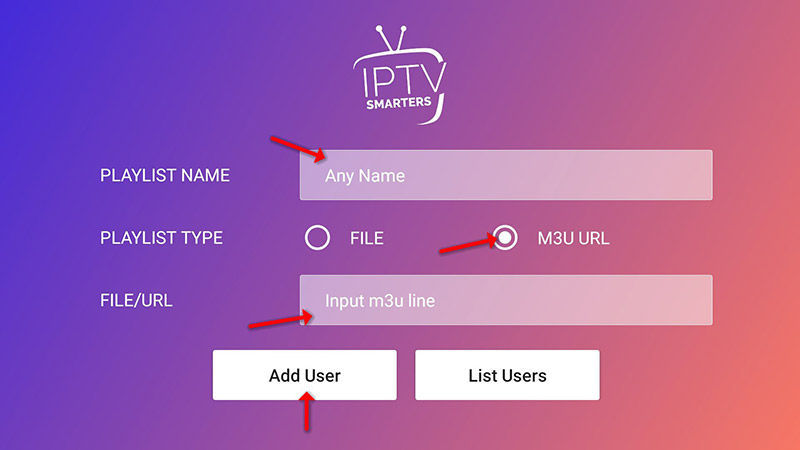
Step 3: Tap the Live TV icon, choose your channel group, and enjoy!
🎥 Watch the full setup tutorial: IPTV Smarters Pro - Full Guide